From paper chaos.
To clean books.
Snap a receipt. Bonro reads it on-device, sorts the VAT, and at year-end hands your accountant a clean, tax-ready CSV.
Free for 5 receipts a month · Pro from €12.99
Three taps from chaos to clarity
Bonro replaces the shoebox, the spreadsheet and the Sunday-night dread with a workflow your accountant will thank you for.
- 01
Scan
Camera, gallery, or PDF, even digital invoices. The phone reads the text on-device, then asks our AI to make sense of it.
Camera+ 1Gallery / PDF+ 1Email inbox+ 2New today4 - 02
Review
Merchant, date, total, VAT and category, all editable. Confidence flags low-certainty fields. No magic, no surprises.
MerchantBüro Kaiser GmbHVAT6,91 € · 19 %CategoryBUEROMATERIAL · 4930Confidence0.94 - 03
Export
Pick a period, pick a format. CSV your accountant will thank you for, or a tidy PDF for your own records.
FormatDATEV EXTFPeriodQ1 2026Entries148StatusReady
Speaks your accountant's language.
Hand your accountant the exact file their software imports. No reformatting, no copy-paste, just works with the tools they already use.
- GermanyDATEVEXTF Buchungsstapel · SKR03.csv
- FranceFECexpert-comptable.txt
- NetherlandsAuditfileXAF 4.0.xaf
- SpainLibro de Facturasasesor fiscal.csv
- SpainModelo 303AEAT · 1T – 4T.pdf
- ItalyRegistro IVAcommercialista.csv
- United KingdomHMRC SA103FMTD ITSA.csv
- United KingdomXeroXero UK.csv
- United KingdomQuickBooksQuickBooks UK.csv
- Any countryCSVExcel · Numbers · Sheets.csv
- Any countryPDF summaryA4.pdf
- AT · BE · PT · IELocalized CSVSteuerberater · expert-comptable · TOC.csv
Austria, Belgium, Portugal and Ireland get a localized CSV plus the PDF summary. Every format opens in the tool your accountant already uses.
Read the format guidesEvery line of every receipt, read on-device.
Point your camera at a receipt, whether paper, PDF or digital invoice. The text is read on your phone, then our AI pulls out the merchant, date, total, VAT and category. Seconds, not spreadsheets.
- Merchant, date, total, VAT and category auto-filled on your phone
- Fields under 0.7 confidence are flagged, and every field stays editable
- Paper, PDF or e-invoice: ZUGFeRD, XRechnung, FatturaPA, Facturae and UBL are read as structured data
Your whole year, in any browser.
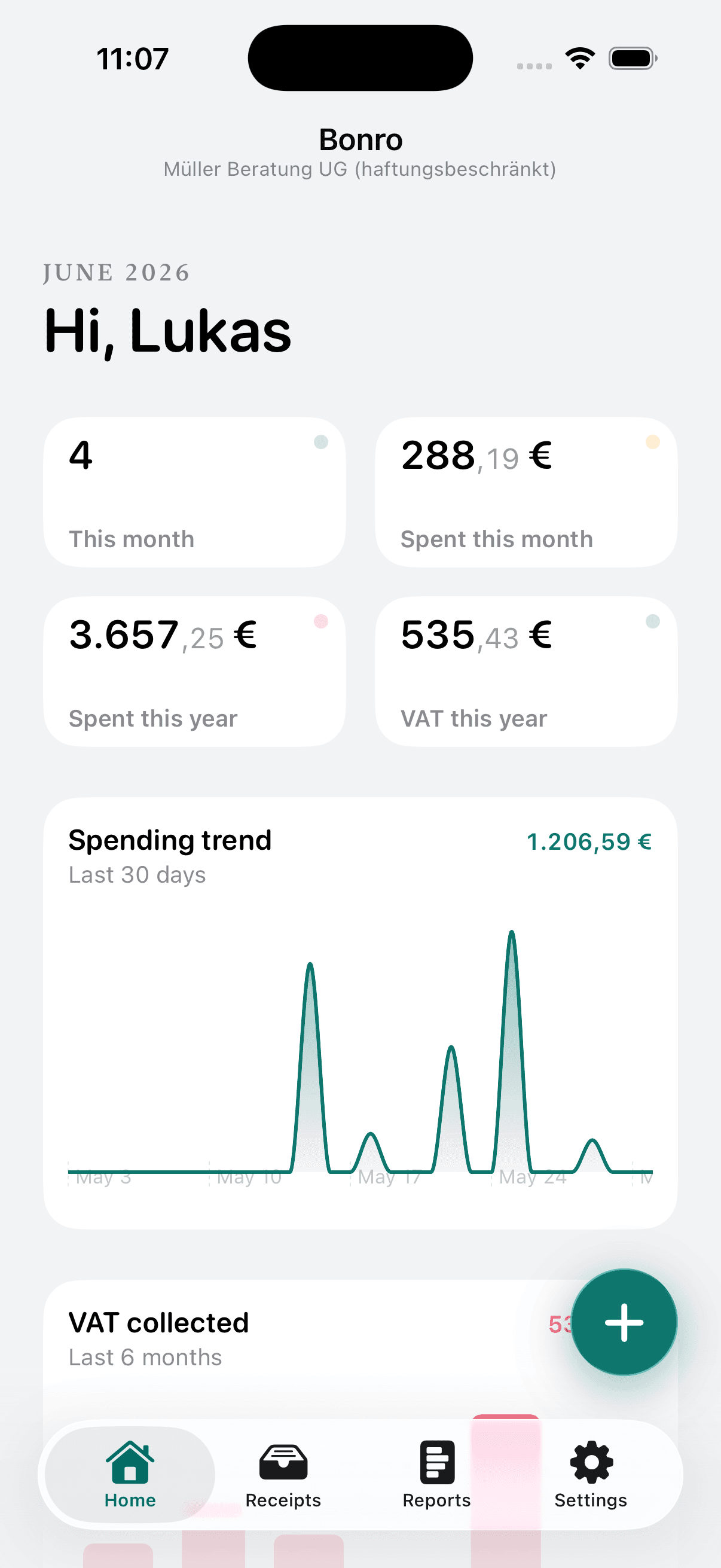
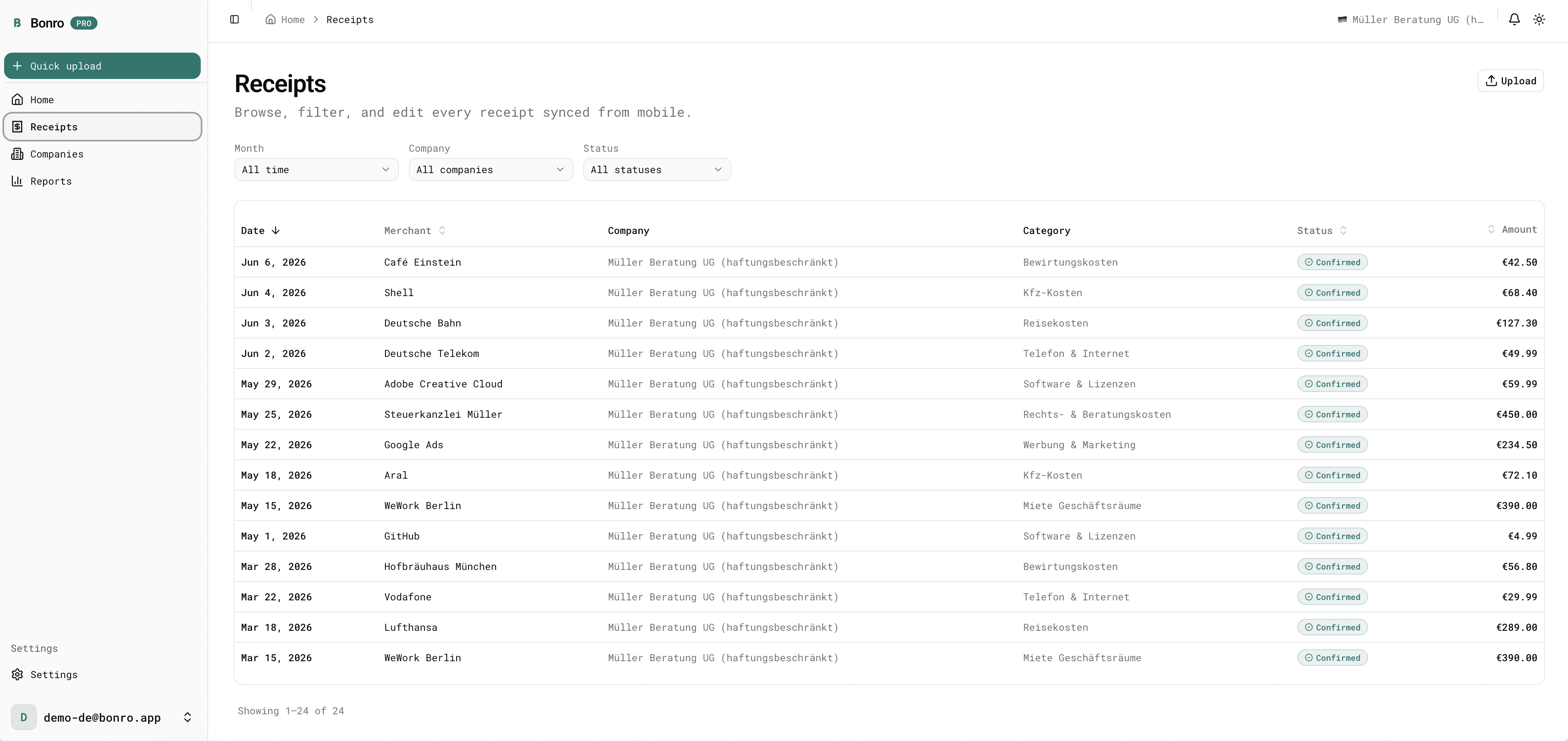
The Bonro dashboard brings every receipt to the big screen: KPIs, trends, recoverable VAT and a full searchable table. Sign in at dashboard.bonro.app, no install required.
- Live KPIs: spent this month, VAT recovered, year-to-date, all at a glance.
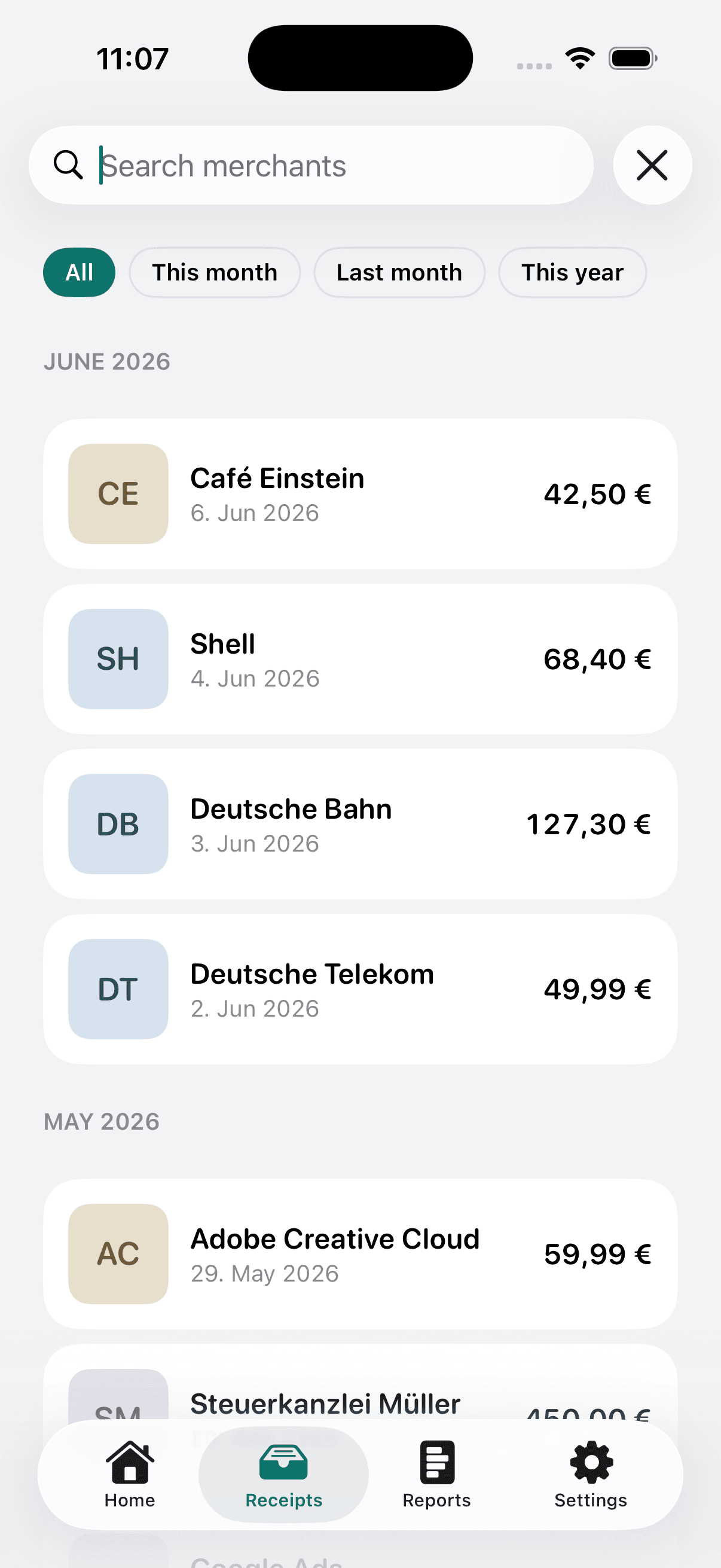
- Filter and sort every receipt by month, company or status in one table.
- Upload receipts and generate tax exports straight from the browser.
Two users.
One truth.
Send your Steuerberater a clean, read-only link, or forward incoming receipts straight into Bonro. No more email ping-pong, no shared logins.
Spend minutes a week on receipts, not evenings.
Capture on the go, review when you like, export when your accountant asks. Everything in between is taken care of.
- Start as a guest, sign in with Apple or Google when you're ready
- Separate books per business, one account
- Recurring merchants spotted automatically
- Works offline, syncs when you're back
- Every field editable, low-confidence ones flagged
Clients who actually send the file.
A read-only link opens in any browser, no login. Download the exact format your software imports, in your language.
- Read-only share links, revocable any time
- DATEV, FEC, Auditfile, Libro, Registro IVA, HMRC and more
- Receipt numbering stays intact across re-downloads
- CC incoming invoices to your client's private @in.bonro.app address
- Page and emails in DE, FR, ES, IT, NL, PT or EN
Lighter than accounting software. Smarter than a folder.
We don't replace your tax advisor. We feed them clean data and give you back your evenings.
Recurring expenses
Bonro detects the merchants you bill every month and surfaces them (rent, software, your co-working desk) so nothing slips through.
E-invoices, parsed
ZUGFeRD, XRechnung, FatturaPA, Facturae and UBL are read as structured data (not just scanned) straight into the right fields.
Bewirtungsbeleg-aware
Business meals get the participants and purpose fields, exactly what the German tax office expects.
Multi-company
One person, multiple businesses, separate exports. Common for freelancers with side projects.
Works offline
Receipts queue locally and sync when you're back online. Built for trains, basements, and bad cafés.
Every field editable
AI is a helper, not an oracle. You confirm before anything is final. Your books, your call.
GDPR-ready from day one
Servers in Frankfurt. Export your data, delete your account, both inside the app, no support ticket needed.
Ten languages
English, Deutsch, Français, Español, Italiano, Nederlands, Português, Türkçe, Українська, العربية. Switch any time.
Try before you sign in
Open the app and scan your first receipt as a guest. Sign in with Apple or Google later to keep your receipts on every device.
Wherever the work happens.
Native on iOS and Android, full-featured on the web. Capture on your phone, review and export from your desk. It's the same data, everywhere.
iOS
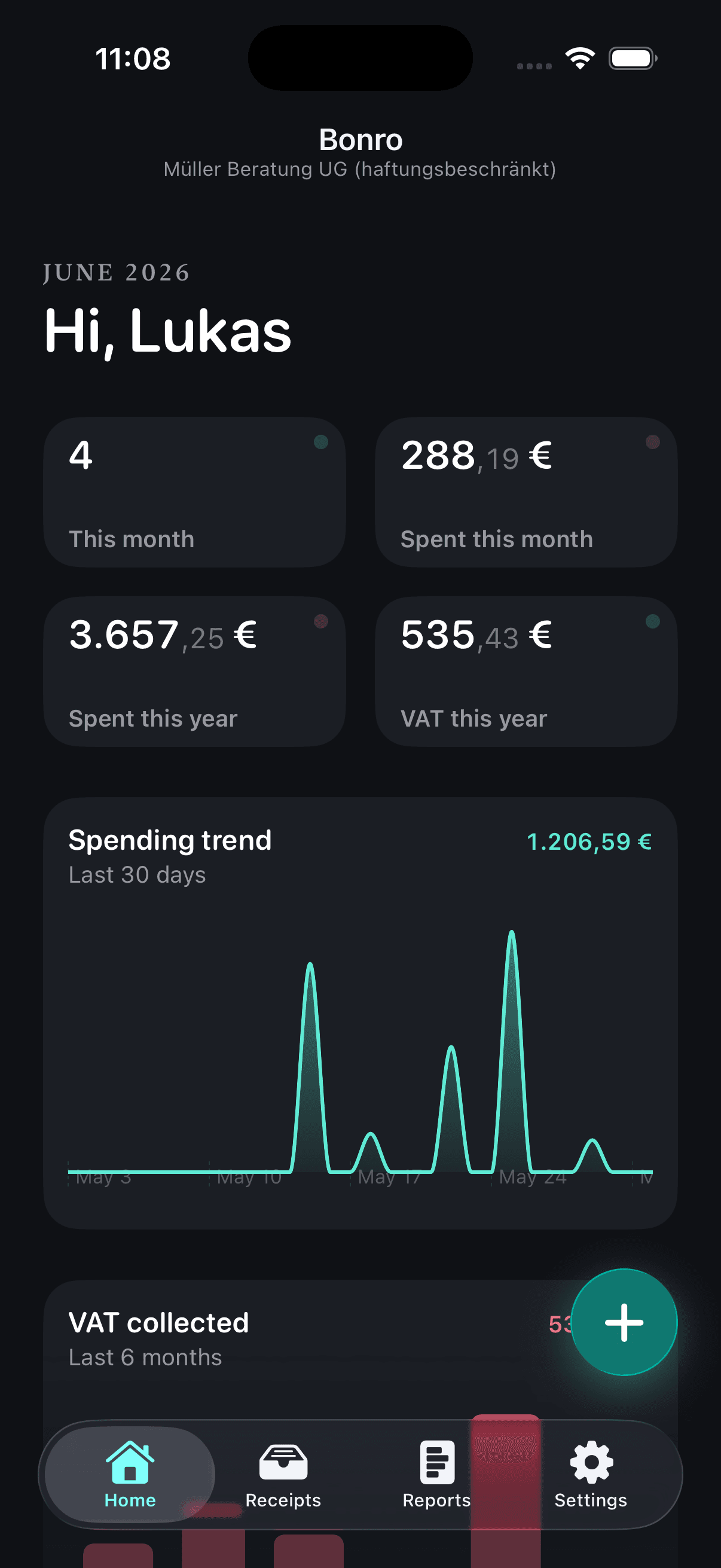
Native SwiftUI app. Apple Vision reads the receipt on the phone; only the extracted text is sent for parsing.
Android
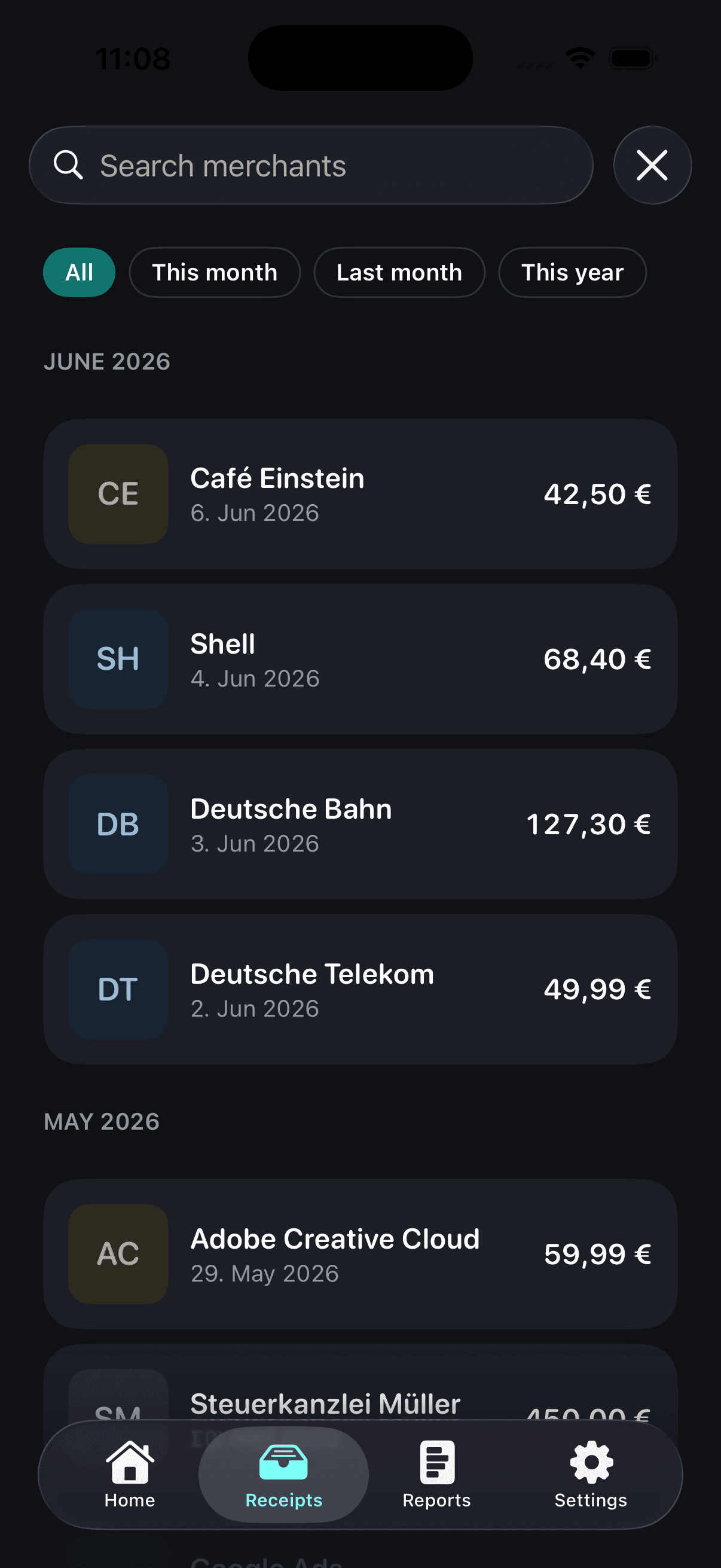
Jetpack Compose with Material 3. ML Kit reads the receipt on the device, on phones and tablets alike.
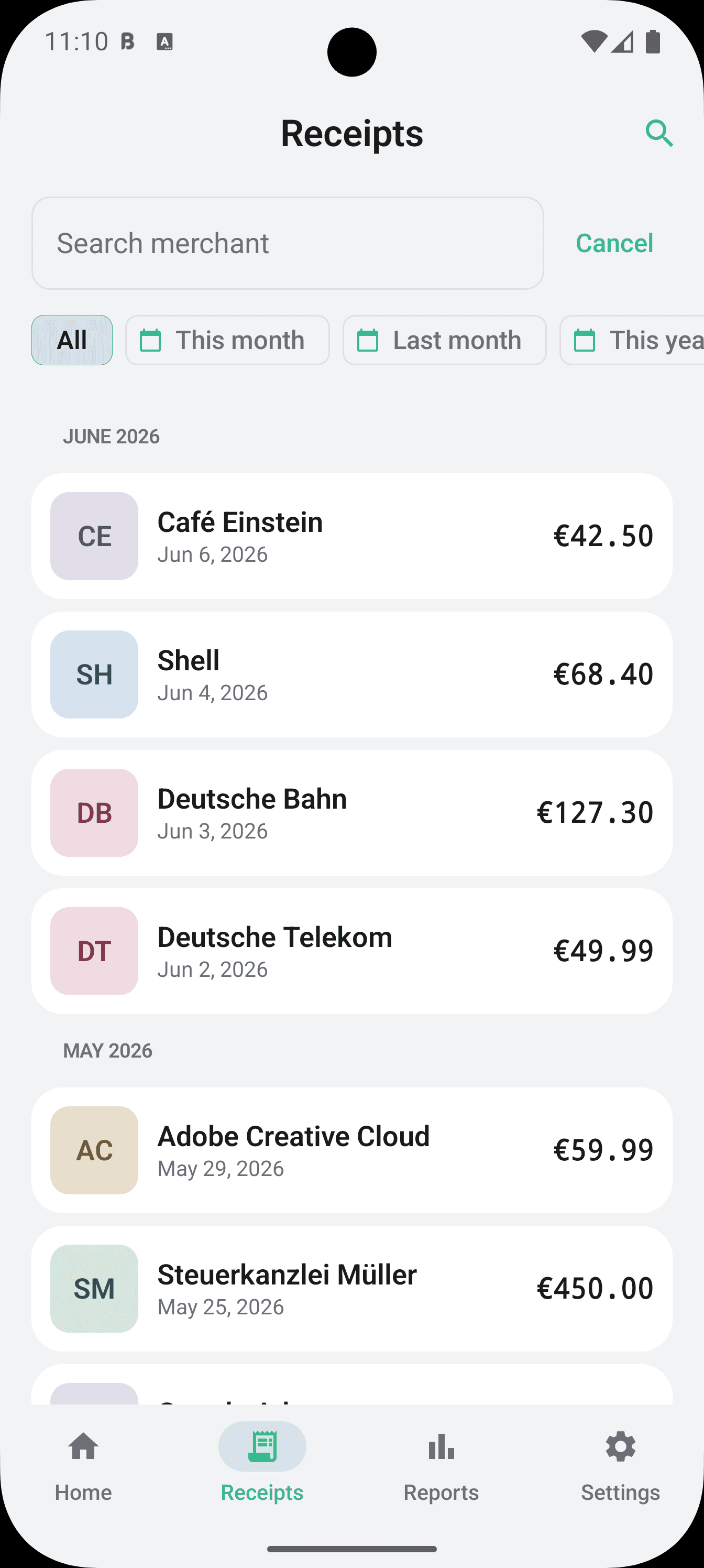
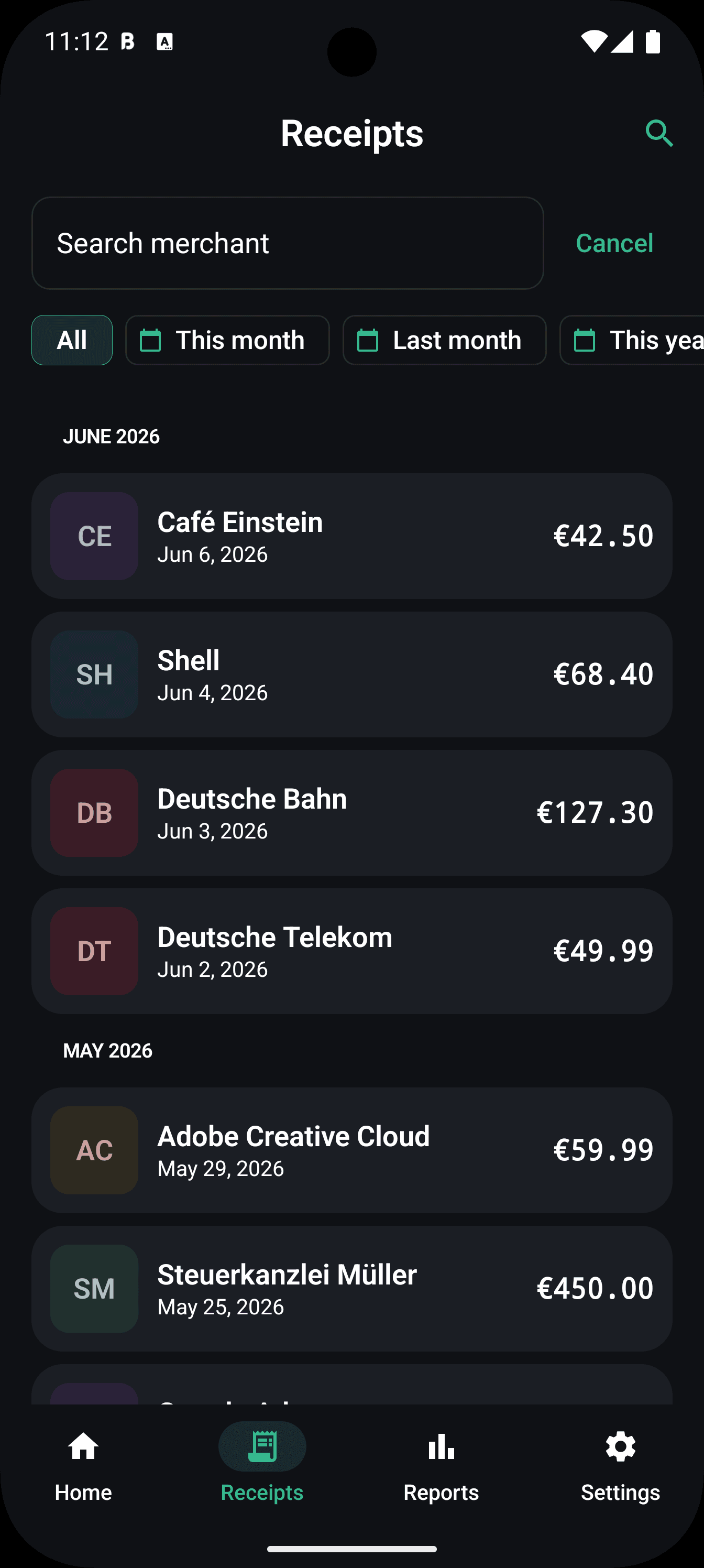
Web
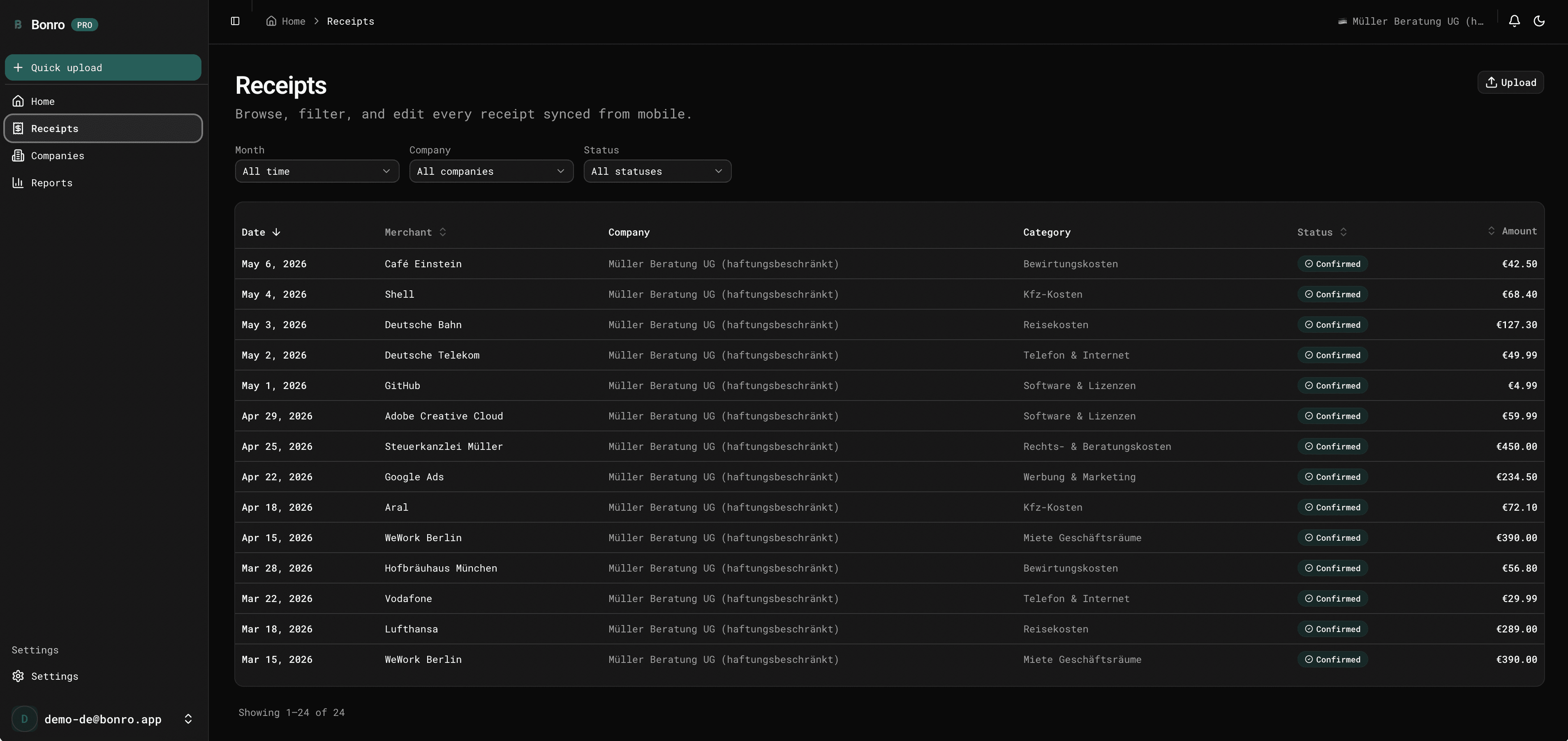
Upload receipts, review the queue, generate exports and manage accountant links from your desk.
Honest pricing
Try Free, scale with Starter, go unlimited with Pro. Cancel any time, wherever you subscribed.
5 receipts / month
- ✓On-device OCR
- ✓AI categorization
- ✓Generic CSV + PDF export
30 receipts / month
- ✓Generic CSV + PDF export
- ✓Read-only share links
- ✓Email-to-receipt forwarding
- ✓1 business
- ✓Cancel any time
Unlimited receipts
- ✓Every EU export format
- ✓All 10 countries (DE, FR, ES, IT, NL, AT, BE, PT, IE, UK)
- ✓Unlimited businesses
- ✓Priority email support
- ✓14-day free trial
Billed by Apple, Google, or our web checkout. Cancel any time from where you subscribed.
A few honest answers
Does Bonro replace my tax advisor?
No, and that's the point. Bonro turns paper receipts into clean data your Steuerberater, expert-comptable, asesor or commercialista can import in seconds. They keep filing, you stop hand-typing.
Is the AI reading my receipts on a server?
OCR happens on your phone using Apple Vision (Android: ML Kit). We send the extracted text (not the image) to our AI to structure it. Your raw photos stay on your device unless you choose to back them up.
Which countries does Bonro work in?
Built for the EU and the UK. Today: Germany, Austria, France, Belgium, Spain, Italy, Netherlands, Portugal, Ireland and the United Kingdom. Six get a native export: DATEV CSV (DE), FEC (FR), Libro de Facturas Recibidas (ES), Registro IVA Acquisti (IT), Auditfile XAF (NL), and HMRC SA103F + Xero UK + QuickBooks UK CSV (UK, MTD ITSA-ready). For Austria, Belgium, Portugal and Ireland we ship a localized generic CSV plus the PDF year-end summary, both ready for your accountant.
How much does Bonro cost?
Free is €0 and covers 5 receipts a month with generic CSV and PDF export. Starter is €6.99 a month (or €59.99 a year) for 30 receipts a month, accountant share links and email forwarding. Pro is €12.99 a month (or €119 a year) for unlimited receipts, every native tax export (DATEV, FEC, Auditfile, HMRC and more) and unlimited businesses, with a 14-day free trial. You pay through the App Store, Google Play or the web dashboard.
Does Bonro handle e-invoices like ZUGFeRD and XRechnung?
Yes. When an e-invoice arrives, forwarded by email or uploaded on the web, Bonro reads its structured data directly instead of running OCR: ZUGFeRD, XRechnung (CII and UBL), UBL, FatturaPA and Facturae. Supplier, amounts and VAT come straight from the file, and every field stays editable.
Where is my data stored?
On servers in the EU. Bonro is built by Exenrun UG (haftungsbeschränkt), a German company in Berlin, and was designed around the GDPR from day one: receipt content never goes to marketing analytics, and you can export all your data or delete your account yourself in Settings, no support ticket needed.
Can I delete my data?
Yes. Settings → Delete account. Removes your profile, receipts and exports. Required by GDPR, built in from day one.
What does it cost beyond the subscription?
Nothing. No per-receipt fees, no upsells inside the app, no advertising. Free tier or one flat subscription, that's it.
Do I need an account to try it?
No. Open the app and scan as a guest. When you want your receipts on every device, sign in with Apple or Google and your guest receipts come along.
Stop hand-typing receipts.
Free for 5 receipts a month, no card needed. Pro from €12.99 when you outgrow it, cancel wherever you subscribed.